
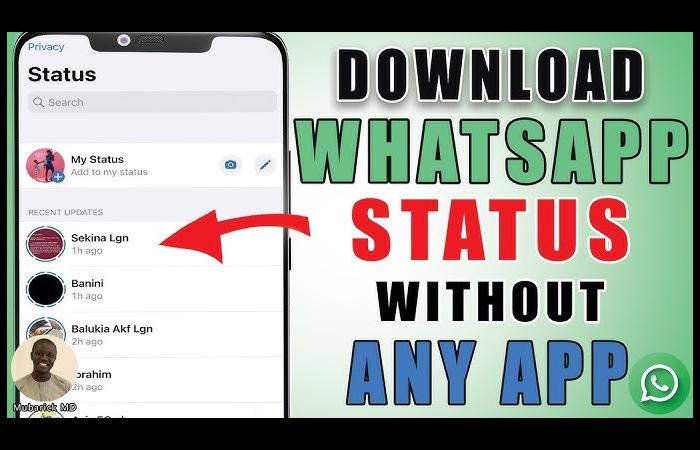
Downloading a 30-second video from a WhatsApp status is not related to file access and understanding where all the files are stored. Here is a guide on how to download them safely without using third-party apps.
You see a cool video on a WhatsApp status, and you like it, so you want to download it before it disappears from WhatsApp. The main problem is that there is no download option on WhatsApp.
Direct to the point: Yes, it is possible to download a 30-second video from a WhatsApp status using access to the file by screen recording on an iPhone or an Android without using any third-party apps.
Know Whether You Can Download WhatsApp Status Videos.
Yes, but the method depends on your device.
Why urgency matters:
Status videos are stored temporarily and deleted after 24 hours.
How WhatsApp Stores Status Files
WhatsApp saves viewed statuses in a hidden folder on Android devices.
Key insight:
The file already exists on your device—you just need to access it.
Safe Methods to Download 30-Second Status Videos
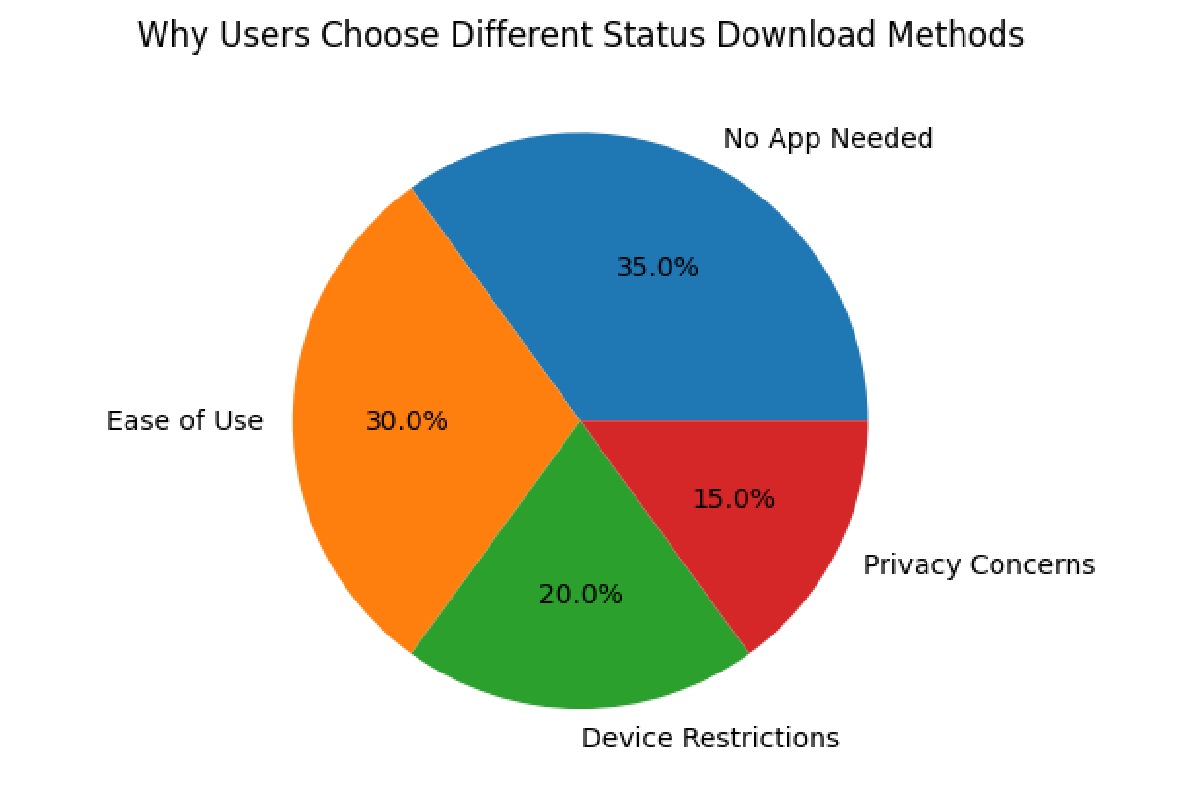
Method 1: Android (No App Needed—Best Method)
1st Step: Open File Manager
- Use your phone’s built-in File Manager (My Files, File Explorer, etc.).
Step 2: Enable Hidden Files
- Tap the menu (⋮) → Settings.
- Turn ON Show Hidden Files.
Step 3: Navigate to Status Folder
Follow this path:
Internal Storage → WhatsApp → Media → Statuses
The.
The Statuses folder is hidden—enabling hidden files is required.
Step 4: Find the 30-Second Video
- Videos appear with the .mp4 extension.
- Tap and hold the video you want.
Step 5: Save It Permanently
- Tap Copy or Move.
- Paste into:
- DCIM → Camera
- Movies
- Any visible folder
Now the video is saved in your gallery.
Method 2: Android (Screen Recording—Easy Alternative)
Use this if you can’t find the folder.
Steps:
- Open the WhatsApp status.
- Swipe down → tap Screen Recorder.
- Record the video.
- Stop recording.
- Trim the recording to 30 seconds.
Slight quality loss compared to the original file.
Method 3: iPhone (Only Safe Method)
iOS does not allow access to WhatsApp status files.
1 Step: Enable Screen Recording
- Go to Settings → Control Center.
- Add Screen Recording.
2 Step: Record the Status
- Open WhatsApp status.
- Swipe down → tap record.
- Play the video.
- Stop recording when done.
3 Step: Trim to 30 Seconds
- Open Photos → Edit → Trim.
Why to Avoid Status Saver Apps
Many apps request unnecessary permissions.
Risks include:
- Access to photos and files
- Data tracking
- Malware exposure
Organizations like the Electronic Frontier Foundation warn about excessive app permissions and privacy risks.
Privacy, Consent, and Legal Considerations
Before downloading:
- Ask permission from the creator.
- Avoid sharing without consent.
- Respect regional privacy norms.
Common Problems & Fixes
- Folder not visible: Enable hidden files.
- Status expired: Cannot recover after 24 hours.
- Low recording quality: Use the highest screen resolution.
FAQ
Can I download without apps?
Yes. Android file access or screen recording works.
Why can’t I find the folder?
Hidden files may be disabled in your file manager.
Is it legal to save statuses?
Saving for personal use is generally acceptable, but sharing without consent may violate privacy.